
Phenom x Peer: Deposit with CashApp, Venmo, Zelle, Revolut, Paypal
Updates
Apr 7, 2026
Deposit with your bank app. No crypto exchange needed.
We've added a new way to deposit on Phenom Poker. It's called Peer, and it lets you fund your account using everyday payment apps like PayPal, Revolut, Cash App, Venmo, Wise, and Zelle, without needing to sign up for a crypto exchange.
Here's everything you need to know.
What is Peer?
Peer is a service that connects people who want to buy crypto with people who already hold it. Think of it like a marketplace. On one side you have players like you who want to deposit, and on the other side you have "liquidity providers" who hold USDT (a digital dollar) and are willing to exchange it for your fiat currency.
When you make a deposit through Peer, your money goes directly to one of these liquidity providers via your payment app. In return, the equivalent amount in USDT is instantly sent to your Phenom wallet. No middleman. No exchange account. No waiting days for a bank transfer to clear.
Why did we add it?
Getting money onto a crypto poker platform has traditionally been the biggest hurdle for new players. The usual process looks something like this:
Sign up for a crypto exchange
Complete identity verification
Buy crypto
Transfer it to your wallet
Deposit into Phenom
That's five steps before you've played a single hand.
With Peer, it's one step. Open your PayPal (or Revolut, or Cash App), send the amount, and you're funded. If you've ever sent money to a friend digitally, you already know how to use it.
How does it actually work?
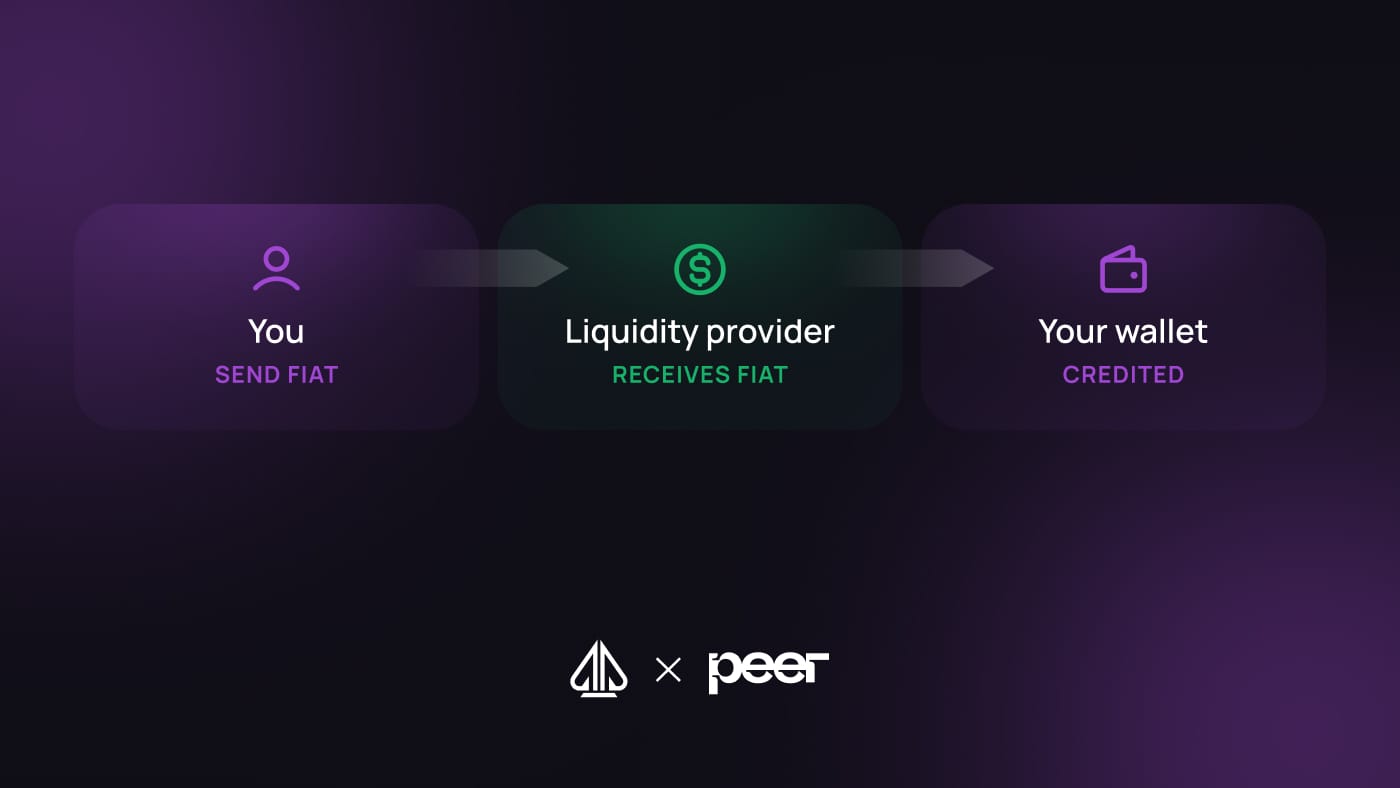
Here's the simple version:
You send fiat to a liquidity provider- You pick your payment app, enter the amount, and send it. Same way you'd split a dinner bill with a friend.Peer verifies the payment happened- This is where things get clever. Peer uses a technology that reads your payment confirmation directly from your payment app. It generates a mathematical proof that the money was sent. This proof cannot be faked.USDT is released to your wallet automatically- The liquidity provider has already pre-deposited USDT into a smart contract (basically a self-executing agreement on the blockchain). The moment Peer's proof is accepted, the contract releases the USDT to your Phenom wallet. No one has to manually approve it. It just happens.
The whole process typically takes under a minute.
What's a liquidity provider?
A liquidity provider is simply someone (or a business) that holds USDT and makes it available for people who want to convert their fiat. They receive your payment app transfer, and in exchange the smart contract releases their pre-deposited USDT to you.
They're not receiving your personal information. They're not a bank. They're just the other side of the trade, and the smart contract guarantees they can't take your money without sending the USDT in return.
Why do I need to install an app or extension?
This is the one extra step, and it's worth explaining properly.
Peer needs to verify that your payment actually happened. To do that, it reads your payment confirmation directly from your payment provider, whether that's PayPal, Revolut, or wherever you're sending from.
This is what the Peer app (on mobile) or Chrome extension (on desktop) does. It acts as a secure bridge between your payment app and the smart contract. Without it, there is no way to generate the proof that triggers your USDT release.
A few important things to know:
Your login credentials are never shared. Peer reads the confirmation only. It cannot access your account, move your money, or store your password.You only need to install it once. After that, every future Peer deposit works the same way.It's available on iOS, Android, and Chrome. If you're on your phone, download the app. If you're on a computer, add the Chrome extension.
Which payment methods are supported?
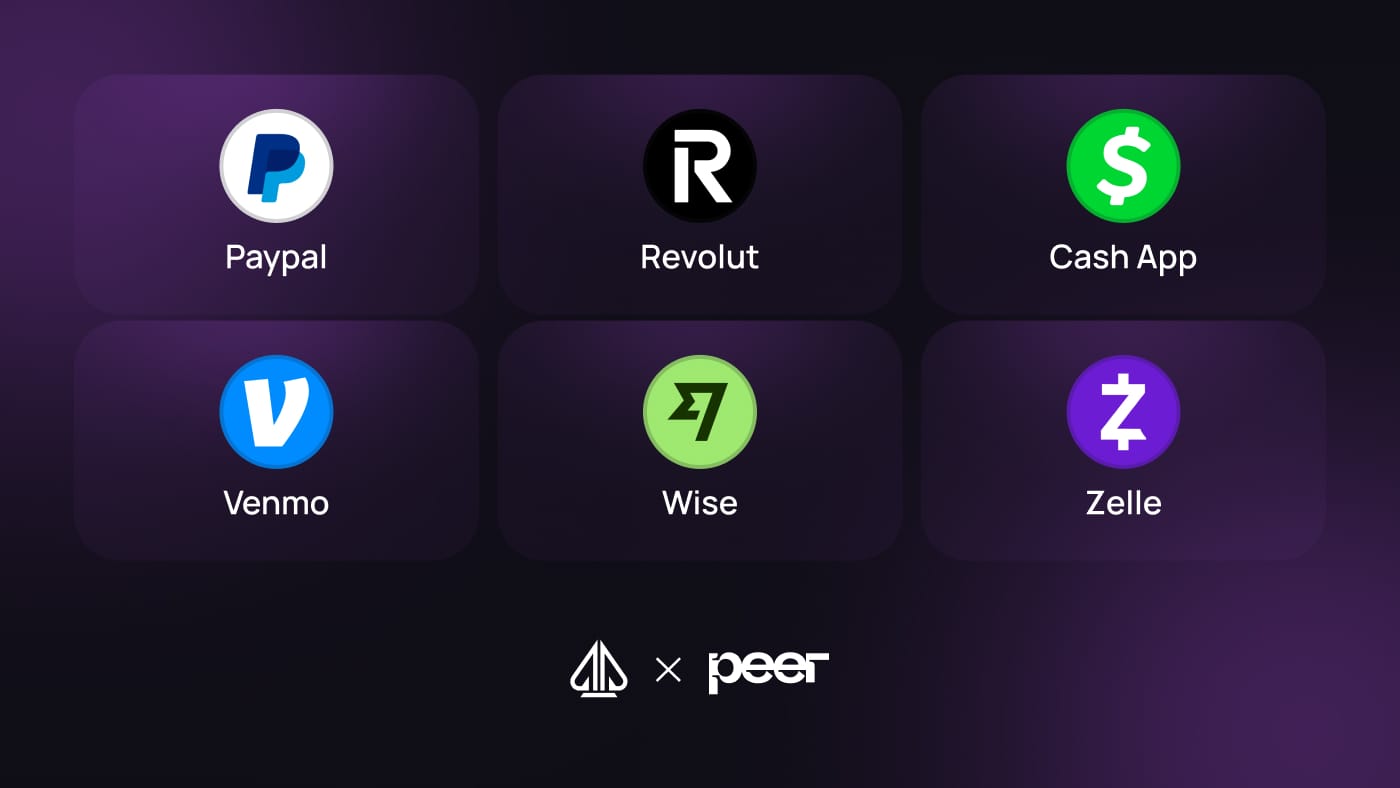
PayPal
Revolut
Cash App
Venmo
Wise
Zelle
More are being added over time.
Is it safe?
Yes. A few things worth noting:
Your funds are protected by a smart contract
The liquidity provider cannot receive your fiat and walk away. The USDT is locked in escrow before the trade begins, and it only releases when the payment proof is verified. It's automatic and cannot be overridden.
Peer is non-custodial
Neither Peer nor Phenom holds your money at any point in the process. Fiat goes directly to the liquidity provider; USDT comes directly to your wallet.
No extra identity verification required
If you already have a Phenom account, you don't need to go through any additional KYC to use Peer.
How do I get started?
Head to the
Depositsection of your Phenom walletSelect
Peerfrom the deposit optionsInstall the Peer app or Chrome extension if you haven't already
Click
Continue to Peer, choose your payment method, and follow the steps
That's it. If you run into any issues, the Peer help guide covers common questions and our support team is always available.
Peer is an independent service integrated into Phenom Poker. Fees may apply. Supported payment methods and availability may vary by region.
Our Latest Content

Play Now